Why custom GPTs are worth adding to your stack
The most exhausting part of using AI is the constant re-briefing and the inconsistent results.
If you feel that one the one hand you have a strategic partner but on the other hand you keep having to repeat basic things to your AI, that's because…. you do.
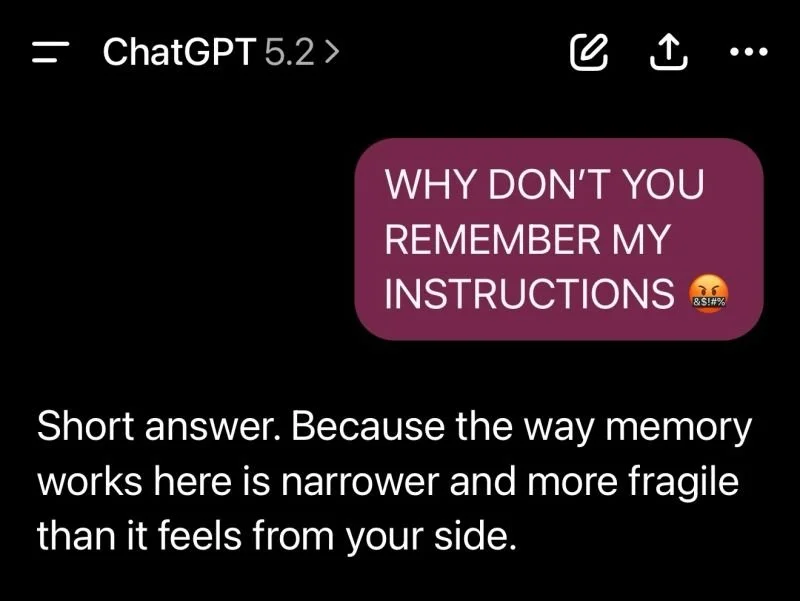
Every new chat may feel like talking like someone who knows you, but in reality you're starting over each time.
To be precise: your LLM of course isn’t a blank slate every time. It retains some context, and learns patterns at a system level, but outside of explicit ‘memory’ features, it does not reliably remember your rules, priorities, or way of working across chats.
In a regular chat with memory on, it can remember you, your role, general preferences, recurring themes, but it keeps forgetting the brief for each specific job.
A Custom GPT on the other hand remembers the brief, instructions, tone, files, but it doesn’t really remember you across conversations.
So:
👉 Use standard ChatGPT as your thinking partner.
👉 Use Custom GPTs for specific tasks.
First decide which work belongs in generic chats and which work deserves its own custom GPT (and, for the advanced crowd, its own agentic workflow).
Why custom GPTs are worth adding to your stack:
1️⃣ Finally no more repeating yourself. They retain your objectives, tone, audience, and constraints so you don’t have to restate them every time.
2️⃣ One GPT built for one job means hyper focus. Policy notes, proposals, newsletters. briefed properly at the start.
3️⃣ Brand consistency. When you upload style guides and examples of past work, the results starts sounding like you instead of an American bot.
Examples of custom GPTs:
- Turning LinkedIn posts into newsletters GPT.
- The Powerpoint optimizer GPT.
- The LinkedIn hook GPT
How to build one:
1. Pick one clear use case with a narrow scope. Start with the tedious things you do the most.
2. Define the rules and guardrails. Be explicit about what the GPT should and should not do.
3. Add examples. Upload your best past work so it understands what great looks like.
4. Add PDFs, frameworks, and guidelines to reduce guesswork and hallucinations. Make sure the documents are well-named as that helps the GPT to retrieve and use them.
5. Test and optimize. Refine until the results sounds like you on a very good day.
6. Make sure to update the files as your needs evolve.
One note:
Even custom GPTs can still forget things or overuse your PDFs. If you dump a 90‑page deck into it, don’t be surprised if it doesn't work as well. The trick is a narrow scope, lean docs, and periodic re‑briefs on the one thing that matters in your conversation.
Stop re-prompting. Start building.
💾 Save this for when you start building custom GPTs (or Gemini's Gems, or Copilot Agents.)
---
👋 I’m Liora. I post daily to help you stay visible, credible and human in the age of algorithms.
🧠 With The Think Room we find your DNA, fix your LinkedIn & make sure AI mentions you.
