
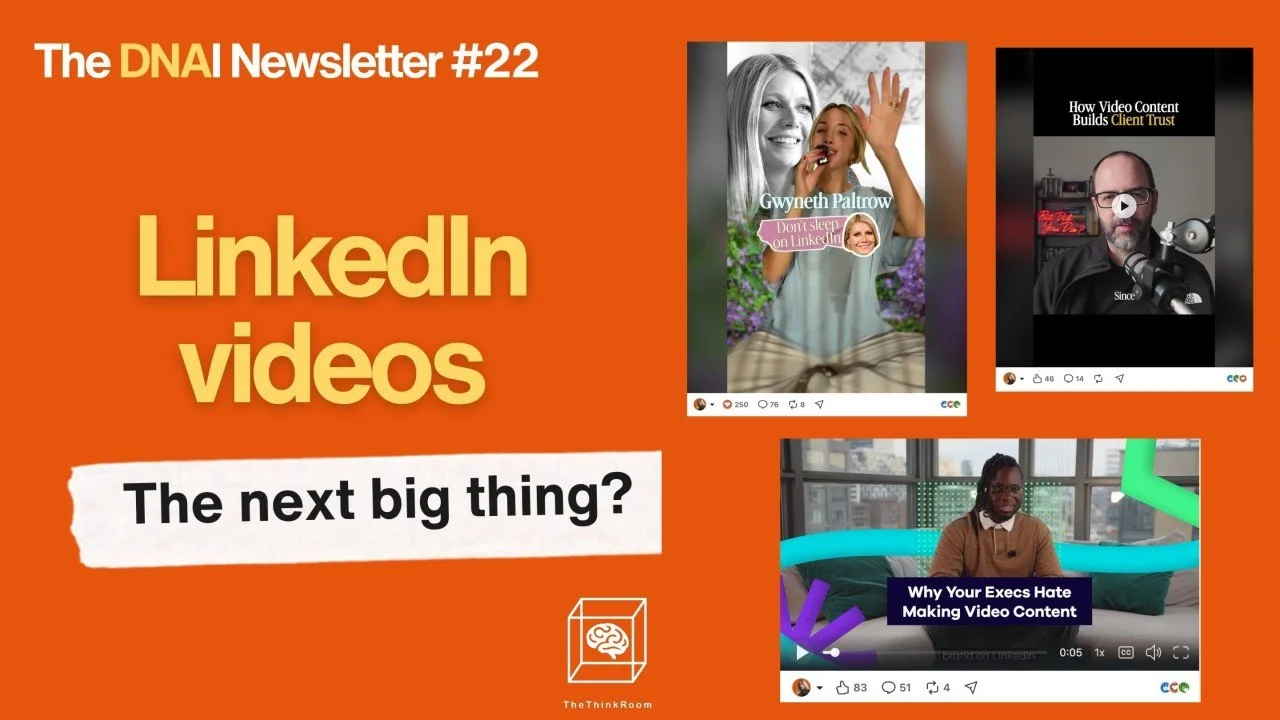
The DNAI Newsletter | Edition 22
LinkedIn is encouraging us to create more videos. Yes, we know they're not performing very well yet. But we still think it would be good for you to start, get comfortable, and do them, especially if you work in communications, public affairs, or leadership.
LinkedIn keeps pushing promoted videos to suggest video is important. And yet, videos often receive fewer impressions than ordinary posts.
So should we bother? We think so.
Today we share what the research tells us, some best case examples and how we recommend approaching LinkedIn video.
1. Let's start with the numbers.
Metricool's 2026 research found that video posts on personal profiles averaged 606 impressions, compared with 1,451 for carousels.
Socialinsider's 2026 LinkedIn benchmarks, based on an analysis of 2.45 million posts from 26,000 company pages, also reported a year-over-year decline in average video views.
Meanwhile, LinkedIn continues to promote video creation and has published its own recommendations for improving performance.
On the other hand, Growtempo analyzed 12,988 LinkedIn posts and found that native video was disproportionately represented among the highest-performing posts in its sample.
These studies examine different types of accounts and use different measures. They also remind us that averages don't tell the whole story.
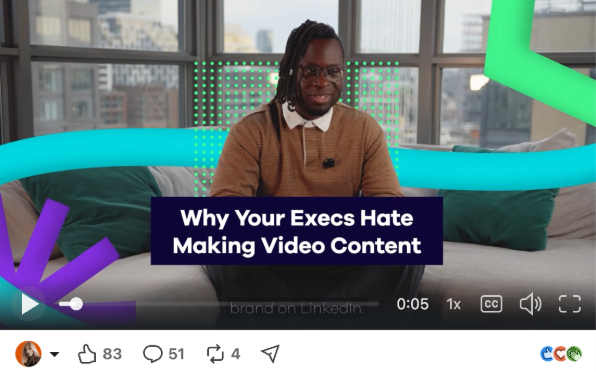
Videos help people get to know the person behind the expertise
2. Does video make you more convincing?
We often assume that seeing and hearing someone makes their argument more persuasive. The research is more nuanced.
A study published in PNAS, involving 7,609 participants, compared how people responded to video and written accounts of the same events. Video made people more likely to believe that an event had happened, but its additional effect on changing their opinions was small.
For public affairs professionals, that's worth understanding. A video may help an audience assess how you explain an issue, hear your conviction and recognize you when you meet. But a convincing policy argument still needs substance and evidence.
That's why we see video as particularly interesting for building professional familiarity and credibility, even when the impression numbers are modest.
3. Your most useful video might be an introduction
Imagine visiting the LinkedIn profile of a Secretary-General of a European association.
You find a job title, a description of the organization and a collection of posts about meetings.
Now imagine a 90-second video in which that same Secretary-General explains why a particular European policy issue matters, what their organization is trying to achieve and what they personally believe needs to change.
What would you be more likely to remember?
Also, what if your About section was a video? How amazing would that be?
Video creator Dustin Cantrell has made About Videos his specialty. His approach is to create one central video that introduces the person, their thinking and what they want to be known for. It can be placed in your Featured section. See Dustin's own About Video here.
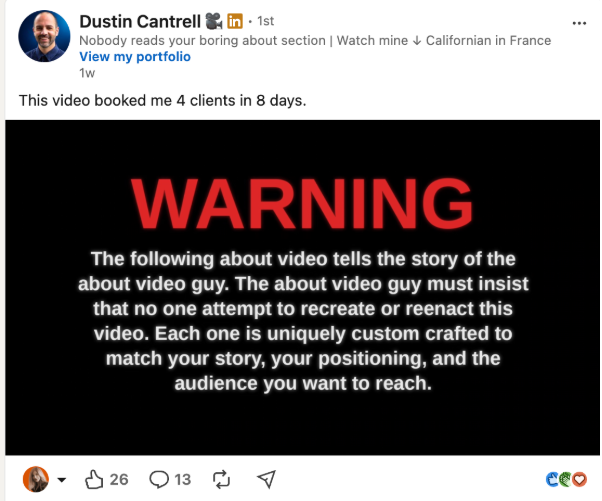
A useful About video answers a few simple questions:
What do you work on, and why?
What do you understand about your field that others often miss?
What do you want people to remember about you?
Why should someone follow you or work with you?
4. What successful LinkedIn videos look like
There are some excellent examples of professionals using video in ways that suit their expertise.
Take Jasmine Bina. In this long-form video about brand strategy, she uses the introduction of the washing machine to explain why technological change doesn't necessarily change cultural beliefs.
It's an interesting argument, delivered with substance. Exactly the sort of approach we would encourage policy experts to try.
Ademola Adelakun, MBET is a professional magician turned video marketer who make fantastic, hilarious videos that convert. Example here.
The brilliant Molly Stovold developed a recurring video series examining how well-known personalities position themselves on LinkedIn.
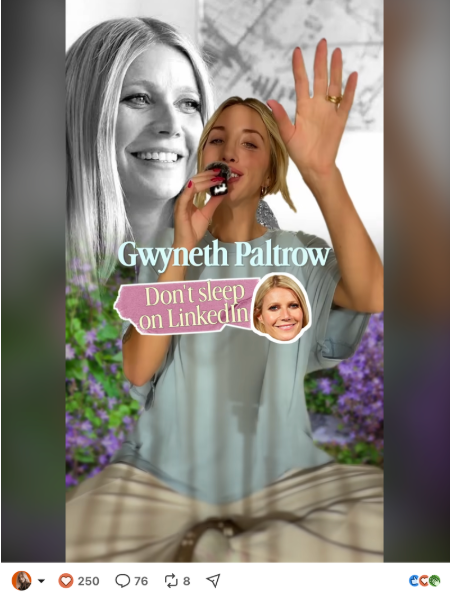
Her video about Gwyneth Paltrow is a good example. It's well known that talking about famous people helps you get eyeballs on your content, and Molly uses the celebrities to teach valuable lessons about professional positioning.
And then there's Dr. Anna Weber who shared the results of a 15-second video.
It reached approximately 72,400 impressions, more than seven times the average of three photo posts she used for comparison. The video also attracted more new followers, although its engagement rate was considerably lower. These are her own reported figures.
We like these examples for different reasons.
Jasmine demonstrates that complex ideas can work on video.
Ademola puts the fun back into LinkedIn.
Molly shows how to choose a format and turn it into a successful series.
For those working in European public affairs, we'd particularly recommend studying Jasmine's approach. A complex policy argument can become a compelling video when someone explains it clearly, using an example your audience connects with.
5. In Brussels, video is still an opportunity
Most Brussels public affairs content looks remarkably similar: Event pics, panel discussions, reposts, group pictures.
There is probably plenty of expertise behind those posts but we rarely get to hear it.
Insightful videos would give their intended audience something useful. They would also make the experts easier to recognize and remember.
And since relatively few senior EU affairs professionals publish personal videos regularly, there is still space to establish a recognizable format. Paul Walsh did that for a couple of months and got a LOT of traction.
6. Start with your phone.
We see professionals who are perfectly comfortable addressing a room full of policymakers suddenly become nervous when someone points a smartphone at them.
They worry about their accent, appearance, lighting and whether they'll remember their script.
Our advice is to make the first few videos as easy as possible.
Record indoors, facing a window.
Use your phone
Make sure the sound is clear and concentrate on one idea.
Aim for 30 to 60 seconds initially.
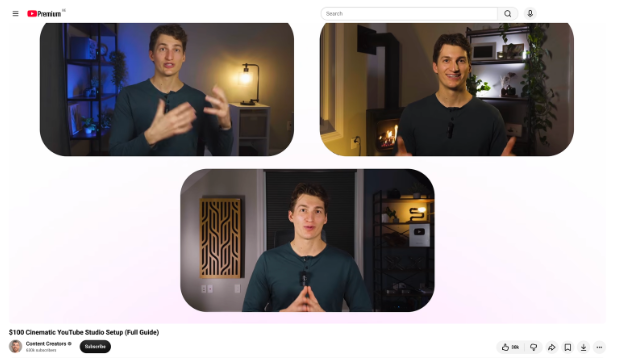
Always add subtitles. Many people browse LinkedIn without sound, and captions make your content easier to follow.
You can use tools such as Edits by Instagram to trim your recording and add captions that are in line with your branding. You can also use LinkedIn's own captioning options. Captions is also a nice and easy-to-use video editing tool.
And if you feel more comfortable using a script, use one. The same applies to having your hair done, choosing an outfit you feel good in or working with a professional for your first recording.
The objective is to make recording manageable enough that you'll do it again.
For more practical advice, have a look at Alexandra Rynne's four LinkedIn video tips.
7. No need to invent a new video idea every week
One of the easiest ways to publish regularly is to choose a recurring subject or format.
For an EU association, that could be "One policy development in 60 seconds."
For a corporate affairs director, it could be "What the headlines missed."
For a consultant, it might be a weekly explanation of a question clients keep asking.
Molly Stovold's videos demonstrate how useful a recurring concept can be. The subject changes, but the audience recognizes the approach.
You can also interview an expert for 20 or 30 minutes and edit the conversation into several shorter video snippets. One interview can provide material for videos, written posts and a longer article.
Our recommendation: try four videos in four weeks
Pick one subject you want to be known for and create four short videos around it.
Week 1: Explain a development in your field that your audience should understand.
Week 2: Answer a question you regularly receive from clients, journalists, members or colleagues.
Week 3: Share an opinion on a professional issue, supported by your experience.
Week 4: Introduce yourself and explain what people can expect from following you.
Keep the production simple. Publish consistently enough to become comfortable on camera.
Then look at who watched, who responded and what happened beyond the public engagement numbers.
You may discover that video works particularly well for your audience. You may decide to use it selectively alongside other formats.
Either way, you're developing a skill that many professionals still avoid.
The Think Room helps organizations and professionals be visible, credible and human in the age of algorithms.
Our work covers DNA & positioning, LinkedIn and visibility in AI-generated answers.
